Cap Inventory: plan with the caps you actually own
Cap Inventory lets you specify the available quantity of each individual cap design, so the Standalone Version plans a physical mosaic that never exceeds your real collection.
Why individual quantities matter
No two collections look alike. You might have 50 caps of one design but only 3 of another. A mosaic plan that ignores this is useless in practice — it would call for caps you do not have, and you would discover the shortage halfway through assembly.
With Cap Inventory, the Standalone Version treats each cap design as a limited resource. When the plan says a design appears 40 times, you know you actually have those 40 caps.
- Set an available quantity per cap design
- The planner stays within those limits
- Shortages are designed out before you place the first cap

Cap Inventory is a Standalone Version feature
The Online Version offers an overall repeat control — a single limit on total cap repetition across the mosaic. It does not track or limit individual cap designs, and it does not manage a physical inventory.
| Capability | Online Version | Standalone Version |
|---|---|---|
| Overall repeat limit (total cap usage) | Yes | Yes — plus precise per-cap repeat control |
| Individual cap quantity limits (Cap Inventory) | No | Yes |
See the full Online vs Standalone comparison.
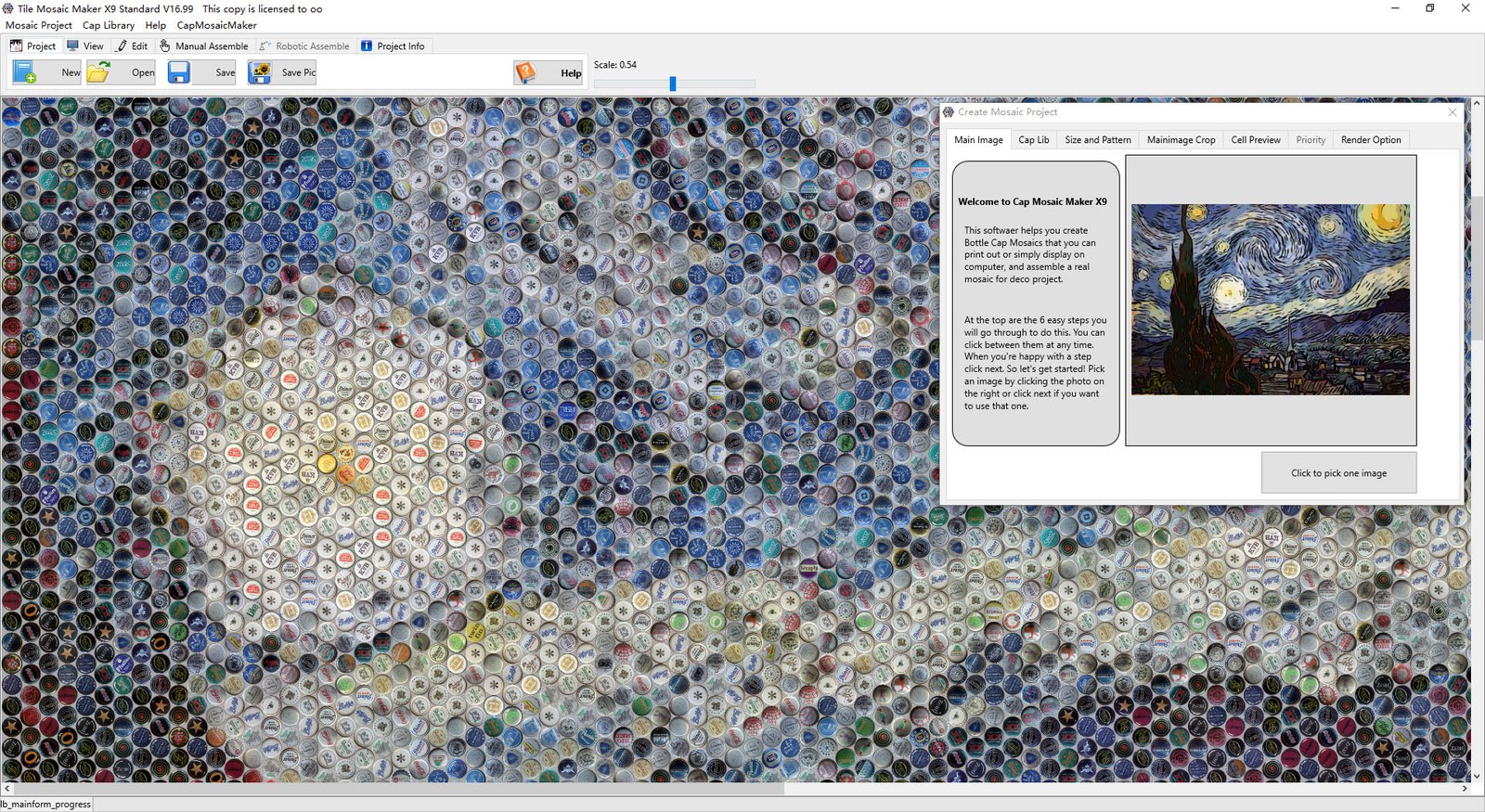
From inventory to assembly
Cap Inventory is the first half of the physical workflow. The second half is the Workplan: once the plan respects your quantities, the Workplan tells you exactly where each cap goes during assembly.